How to Choose the Right Blu‑ray Player: A Complete Modern Buying Guide
A Blu‑ray player remains one of the most reliable and affordable ways to enjoy high‑quality entertainment at home. Even with the rise of streaming platforms, physical media continues to offer superior picture and sound, consistent performance, and access to film releases that often never appear on streaming services. Whether you’re building a home cinema, upgrading an older player, or simply want a dependable machine for Blu‑ray and DVD playback, choosing the right model can make a noticeable difference to your viewing experience.
This guide takes you through everything you need to know in a clear, easy‑to‑understand way. It updates older advice, adds modern context, and explains the features that genuinely matter today.
Why Blu‑ray Still Matters
Streaming may be convenient, but it comes with compromises. Even the best streaming services compress their video and audio to reduce bandwidth demands. This means you rarely get the full clarity, colour depth or audio detail that the filmmakers intended. Blu‑ray discs, on the other hand, deliver consistently high bitrates, which translates into sharper images, richer colours and more dynamic sound.
A standard Blu‑ray disc offers Full HD resolution at 1920×1080, while Ultra HD Blu‑ray supports 4K resolution at 3840×2160, often with HDR formats such as HDR10 or Dolby Vision. These enhancements provide deeper blacks, brighter highlights and a more lifelike picture overall. For film enthusiasts, collectors and anyone who values quality, Blu‑ray remains the gold standard.
Another advantage is ownership. When you buy a disc, it’s yours permanently. It won’t disappear from a streaming catalogue, be downgraded in quality, or require a subscription to access. Many collectors also appreciate the bonus features, commentaries and behind‑the‑scenes material that physical releases continue to offer.
Blu‑ray Players and Backwards Compatibility

One of the strengths of Blu‑ray technology is its backwards compatibility. Every Blu‑ray player can play standard DVDs, and most can upscale them to near‑HD quality. This means your existing DVD collection remains fully usable, and in many cases will look noticeably better than it did on an older DVD‑only machine.
Some players also support playback of audio CDs, making them a versatile addition to your entertainment setup. A few high‑end models even include support for SACD or DVD‑Audio, though these are more niche formats.
Smart Features and Streaming Apps
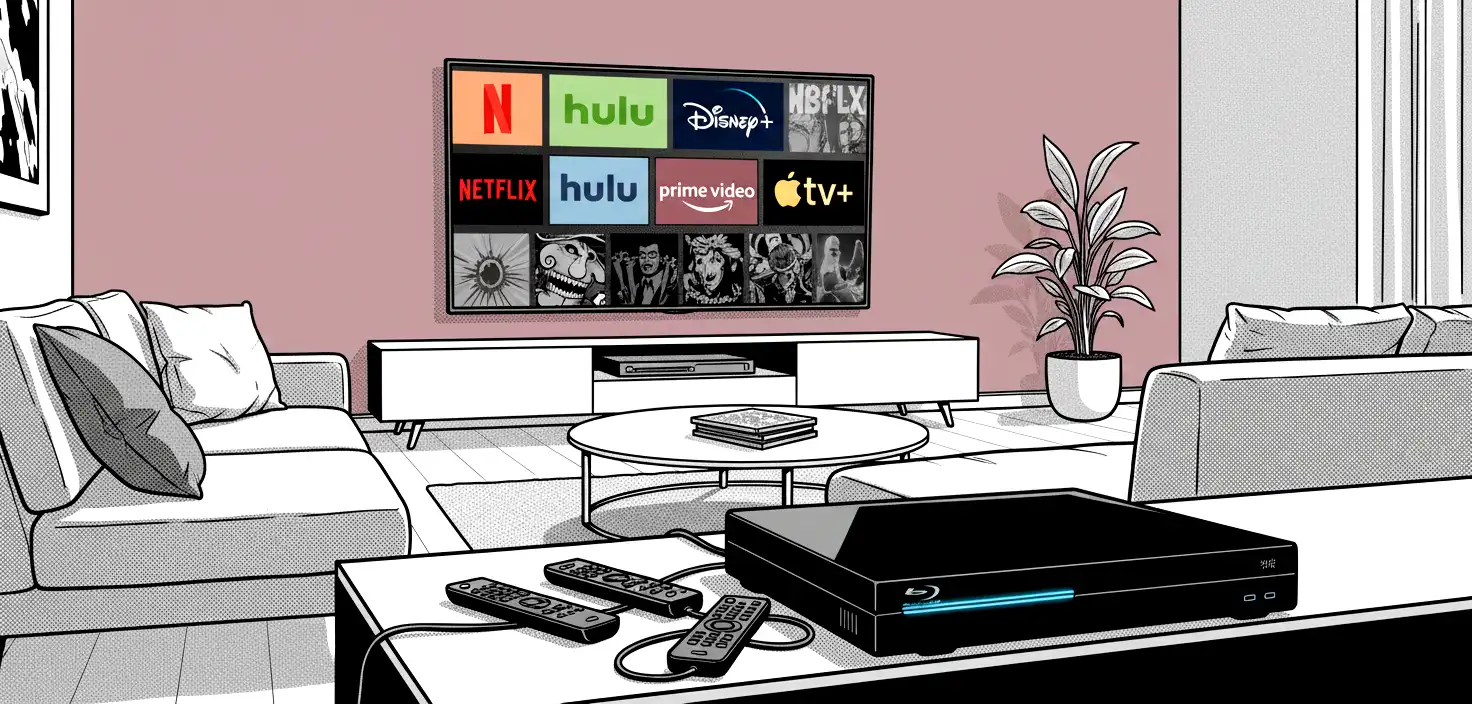
Many modern Blu‑ray players include smart features, allowing you to stream content from services such as YouTube, Netflix or Amazon Prime Video. However, the availability of apps varies significantly between manufacturers, and some companies have scaled back their smart platforms in recent years. This means that while smart features can be useful, they should not be the sole reason for choosing a particular model.
If you already own a smart TV, a streaming stick or a games console, you may find that your Blu‑ray player’s smart apps are redundant. In that case, prioritise disc performance and build quality instead.
Understanding Picture Quality

Picture quality is one of the most important factors when choosing a Blu‑ray player. Even though all players can technically output Full HD or 4K, the way they process the image can vary.
A good Blu‑ray player should offer clean, sharp video output with accurate colours and smooth motion. Upscaling is also important. When watching DVDs or non‑4K Blu‑ray discs, the player must convert the image to match your TV’s resolution. High‑quality upscaling can make older content look surprisingly good, while poor upscaling can introduce noise or softness.
If you have a 4K television, consider a 4K Ultra HD Blu‑ray player. These players not only support 4K discs but also tend to offer better upscaling for standard Blu‑ray and DVD content. Many also support HDR formats, which can significantly enhance picture quality on compatible TVs.
Sound Quality and Audio Formats
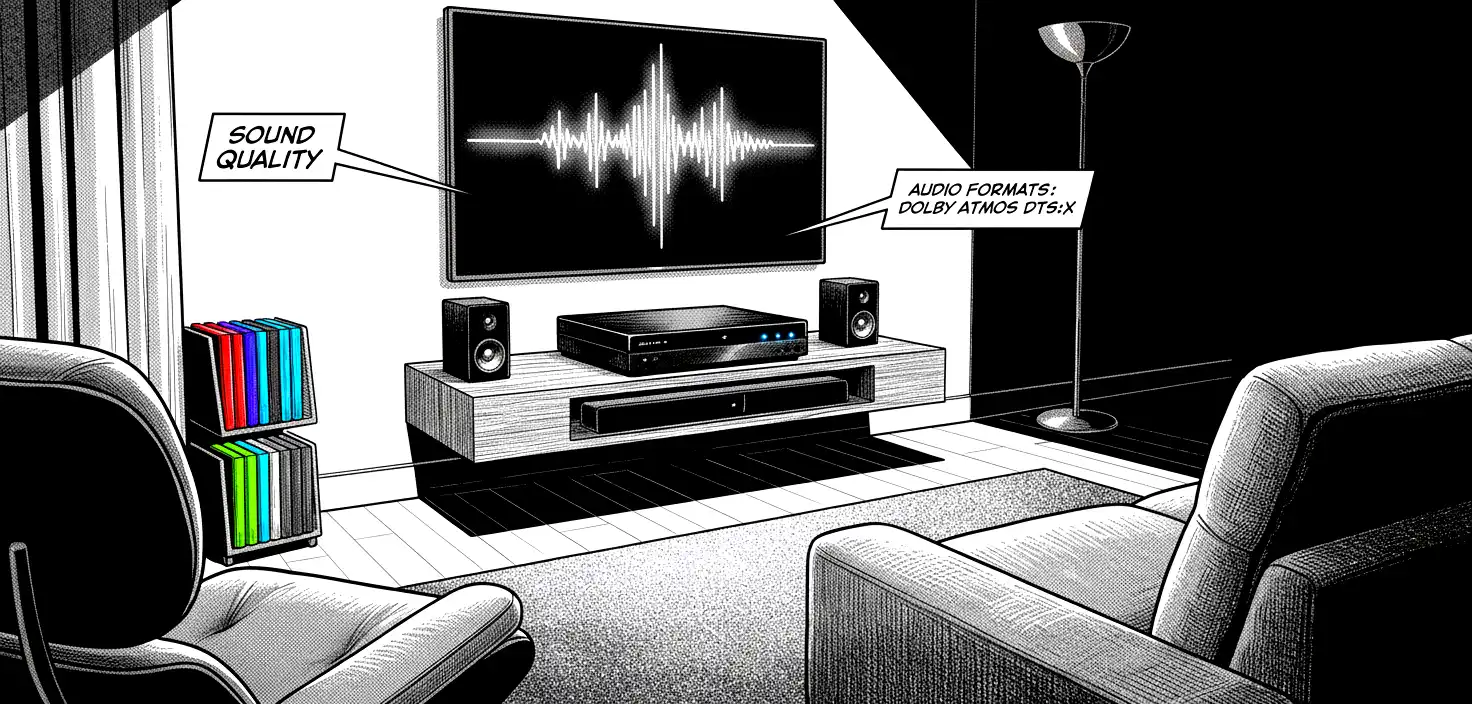
Blu‑ray discs support some of the highest‑quality audio formats available for home use. When paired with a soundbar or home cinema system, a good Blu‑ray player can deliver immersive, cinema‑grade sound.
Look for support for formats such as:
- Dolby TrueHD
- DTS‑HD Master Audio
- Dolby Atmos (on Ultra HD Blu‑ray)
- DTS:X (on Ultra HD Blu‑ray)
These formats offer lossless audio, meaning the sound is reproduced exactly as it was mastered. If you enjoy action films, orchestral scores or detailed sound design, these formats make a significant difference.
Even if you don’t have a full surround sound system, a good player can still improve audio clarity and dynamic range when connected to a soundbar or TV.
Networking and Connectivity

Connectivity is another key consideration. Most Blu‑ray players include at least one HDMI output, which is essential for connecting to modern TVs. Some high‑end models include dual HDMI outputs, allowing you to send video directly to the TV and audio separately to an older AV receiver that may not support 4K passthrough.
Wi‑Fi is now common on mid‑range and premium models, allowing you to access firmware updates, smart apps and network streaming. Ethernet ports are still included on many players for those who prefer a wired connection.
DLNA support allows you to stream media from a computer or network storage device. This can be useful if you have a large library of digital files.
USB ports are also common, enabling playback of photos, videos and music from external drives. Support for formats such as JPEG, MP4, MKV and DivX varies between models, so check the specifications if this feature is important to you.
Speed and Performance

Early Blu‑ray players were notorious for slow loading times, but modern models are much faster. Most players now boot up quickly and load discs in seconds. If you value responsiveness, look for a player with a reputation for fast performance.
Menu navigation, app loading and disc scanning should all feel smooth. Reviews and user feedback can be helpful indicators of real‑world performance.
Built‑in TV Tuners and Recording Features

Some Blu‑ray players include built‑in TV tuners and hard drives for recording live television. These hybrid devices combine a Blu‑ray player with a Freeview recorder, allowing you to watch, pause and record broadcast TV.
If you choose a model with recording capabilities, consider how much storage you need. For most households, 500 GB to 1 TB is sufficient, though heavy users may prefer more. These devices are less common today, but they remain useful for those who want an all‑in‑one solution.
Future‑Proofing Your Purchase

When choosing a Blu‑ray player, it’s worth thinking about how your needs may change over time. Even if you don’t currently own a 4K TV, you may upgrade in the future. A 4K Ultra HD Blu‑ray player will still play your existing discs, but it will also be ready for higher‑resolution content when you are.
Firmware updates are also important. Manufacturers occasionally release updates to improve performance, add features or fix compatibility issues. Choosing a reputable brand increases the likelihood of long‑term support.
What to Look for in a Modern Blu‑ray Player

While every user’s needs are different, the following features are widely considered essential for a flexible, future‑proof player:
A player should support upscaling of DVDs to HD or 4K, ensuring older content looks as good as possible. It should also support the latest Blu‑ray profiles, which enable interactive features and downloadable extras. HDMI compatibility is crucial, particularly if you want to enjoy lossless audio formats such as Dolby TrueHD and DTS‑HD Master Audio.
Support for 24p playback ensures films are shown at their native frame rate, reducing judder and preserving cinematic motion. Compatibility with a wide range of video and image formats, including JPEG and DivX, adds versatility. DLNA support allows you to stream content from your home network, and built‑in Wi‑Fi makes the player easier to set up and update.
Balancing Features with Budget

Blu‑ray players range from inexpensive entry‑level models to premium machines aimed at enthusiasts. The right choice depends on your priorities.
Entry‑level players are perfectly adequate for casual viewing. They play Blu‑ray and DVD discs reliably and often include basic smart features. Mid‑range models add better build quality, faster performance and improved upscaling. High‑end players focus on premium components, advanced processing and exceptional audio performance.
If you own a large 4K TV, a sound system or a growing disc collection, investing in a higher‑quality player can be worthwhile. If you simply want a reliable machine for occasional use, a budget model may be all you need.
Conclusion
Selecting the right Blu‑ray player ultimately comes down to understanding your needs and matching them with the features that matter most. Whether you prioritise picture quality, sound performance, smart features or future‑proofing, there is a model to suit every home and every budget.
Blu‑ray remains one of the best ways to enjoy films and TV shows in their highest possible quality. With the right player, you can experience cinema‑grade visuals, immersive sound and the satisfaction of owning your favourite titles in a format that won’t disappear or degrade.
By considering the factors outlined in this guide, you can make a confident, informed choice and enjoy years of reliable, high‑quality entertainment.