How to Choose the Right Printer: A Complete Modern Buying Guide
P
Buying a printer should be simple, yet for many people it becomes one of the most confusing pieces of tech shopping they ever do. The market is crowded with models that look similar, promise similar features and use jargon that can feel unnecessarily complicated. Add to that the ongoing costs of ink or toner, the rise of smart home connectivity, and the fact that many households now print far less than they used to, and it becomes clear why choosing the right printer requires a bit of thought.
This guide breaks everything down in a clear, easy‑to‑understand way. It explains the differences between inkjet and laser printers, the pros and cons of single‑function and multifunction models, and the features that genuinely matter. It also explores the realities of ink and toner costs, including the sometimes‑frustrating restrictions manufacturers place on third‑party cartridges. By the end, you’ll have a complete picture of what you need, what you don’t, and how to avoid spending more than necessary.
Understanding What You Need Before You Buy
Before diving into technical details, it helps to think about how you actually plan to use your printer. Many people buy a printer based on price alone, only to discover later that it’s slow, expensive to run or unsuitable for the type of printing they do most often.
If you mainly print documents, your needs will be very different from someone who prints high‑quality photos. A home office user who prints daily will require a different machine from someone who prints only a few times a year. And if you need to scan, copy or fax, that will influence your choice too.
The key is to be honest about your habits. Do you print frequently or only occasionally? Do you need colour? Do you want to print photos that look professional? Do you need wireless printing from phones and tablets? Once you have a sense of your priorities, the rest of the decision becomes much easier.
Laser or Inkjet? Understanding the Two Main Printer Types
The biggest decision most people face is choosing between a laser printer and an inkjet printer. Both technologies have improved significantly in recent years, but they still serve different purposes and suit different types of users.
Laser Printers: Fast, Efficient and Ideal for Heavy Document Printing
Laser printers are widely used in offices, home offices and businesses that print large volumes of documents. They tend to cost more upfront than inkjet printers, but they are usually cheaper to run over time. This is because toner cartridges last much longer than ink cartridges and do not dry out, even if the printer sits unused for long periods.
Laser printers work by using a powdered toner that is fused onto the paper using heat. This process is fast, reliable and produces crisp text that is ideal for reports, letters and general office documents. Modern laser printers are also far quieter and more compact than older models, making them suitable for home use.
If you print frequently, especially in black and white, a laser printer is often the most cost‑effective choice. They are also excellent for shared environments, as they tend to be robust, durable and capable of handling high workloads.
Colour laser printers exist too, and they are excellent for charts, graphics and business documents. However, they are not designed for high‑quality photo printing. If your priority is photographic output, an inkjet will still be the better option.
Inkjet Printers: Versatile, Affordable and Excellent for Photos
Inkjet printers remain the most popular type of printer for home use. They are usually cheaper to buy than laser printers and offer excellent colour reproduction, making them ideal for printing photos, artwork and mixed‑use documents.
Inkjet printers work by spraying tiny droplets of liquid ink onto the paper. This allows for very fine detail and smooth colour gradients, which is why they are preferred for photo printing. Many modern inkjet printers also include scanners, copiers and wireless connectivity, making them suitable for home offices as well.
The main drawback of inkjet printers is the cost of ink. Cartridges can be expensive, and if you print frequently, the running costs can add up quickly. In addition, ink cartridges can dry out if the printer is not used regularly. This means that occasional users sometimes find themselves replacing cartridges even when they have barely printed anything.
However, inkjet technology has evolved. Some manufacturers now offer refillable ink tank systems, which significantly reduce running costs and eliminate the problem of dried‑out cartridges. These models cost more upfront but can be extremely economical in the long term.
Single‑Function vs Multifunction Printers
Once you’ve chosen between laser and inkjet, the next decision is whether you want a single‑function printer or a multifunction device.
Single‑Function Printers
A single‑function printer does exactly what the name suggests: it prints. These models are often more compact, more reliable and sometimes faster than multifunction printers. They are ideal for people who only need to print documents and do not require scanning or copying.
Single‑function printers can be found in both inkjet and laser varieties. If you want the simplest, most straightforward printing experience, a single‑function model may be the best choice.
Multifunction Printers
Multifunction printers (often called all‑in‑one printers) combine printing, scanning, copying and sometimes faxing into a single device. They are extremely popular for home offices, small businesses and households that need to digitise documents or make occasional photocopies.
Modern multifunction printers often include automatic document feeders, duplex scanning, wireless connectivity and cloud‑based printing features. They can be found in both inkjet and laser versions, and they offer excellent value for users who need more than just printing.
If you regularly scan receipts, copy documents or want the convenience of having everything in one machine, a multifunction printer is the way to go.
Key Features to Consider When Choosing a Printer
Printers come with a wide range of features, and it can be difficult to know which ones matter. Below is a clear explanation of the most important features and how they affect everyday use.
Number of Cartridges
Inkjet printers vary in how many cartridges they use. Some use two cartridges (black and tri‑colour), while others use four or more individual colour cartridges. Printers with individual cartridges are usually more economical, as you only replace the colour that runs out.
Laser printers use toner cartridges, and some models also require separate drum units. Understanding the number of consumables helps you estimate long‑term running costs.
Wi‑Fi and Wireless Printing
Most modern printers support wireless printing, allowing you to print from laptops, phones and tablets without connecting cables. This is especially useful in households with multiple users or in home offices where space is limited.
Wireless printing also enables cloud‑based features, such as printing from email or from apps like Google Drive and OneDrive.
Ethernet Connectivity
Some printers include an Ethernet port for wired network connections. This is useful in office environments where stability and security are important. A wired connection can also be faster and more reliable than Wi‑Fi.
Duplex Printing
Duplex printing allows the printer to print on both sides of the paper. Automatic duplexing saves time and reduces paper usage, making it an environmentally friendly and cost‑effective feature. Some printers require manual duplexing, which means you must flip the paper yourself.
Automatic Document Feeder (ADF)
An automatic document feeder allows the printer to scan or copy multiple pages without manual intervention. This is extremely useful for home offices and businesses that handle paperwork regularly.
Email and Cloud Printing
Some printers allow you to send documents directly to the printer via email. Each printer is assigned a unique email address, and anything sent to that address is printed automatically. This is convenient for remote workers or families who share a printer.
Fax Capability
Although faxing is less common today, some multifunction printers still include fax features. This can be essential for certain industries that require secure document transmission.
Scanner Quality
If you plan to scan documents or photos, pay attention to the scanner’s resolution. Higher resolution scanners produce clearer digital copies, which is important for archiving documents or scanning artwork.
Ink and Toner: Understanding the Real Costs
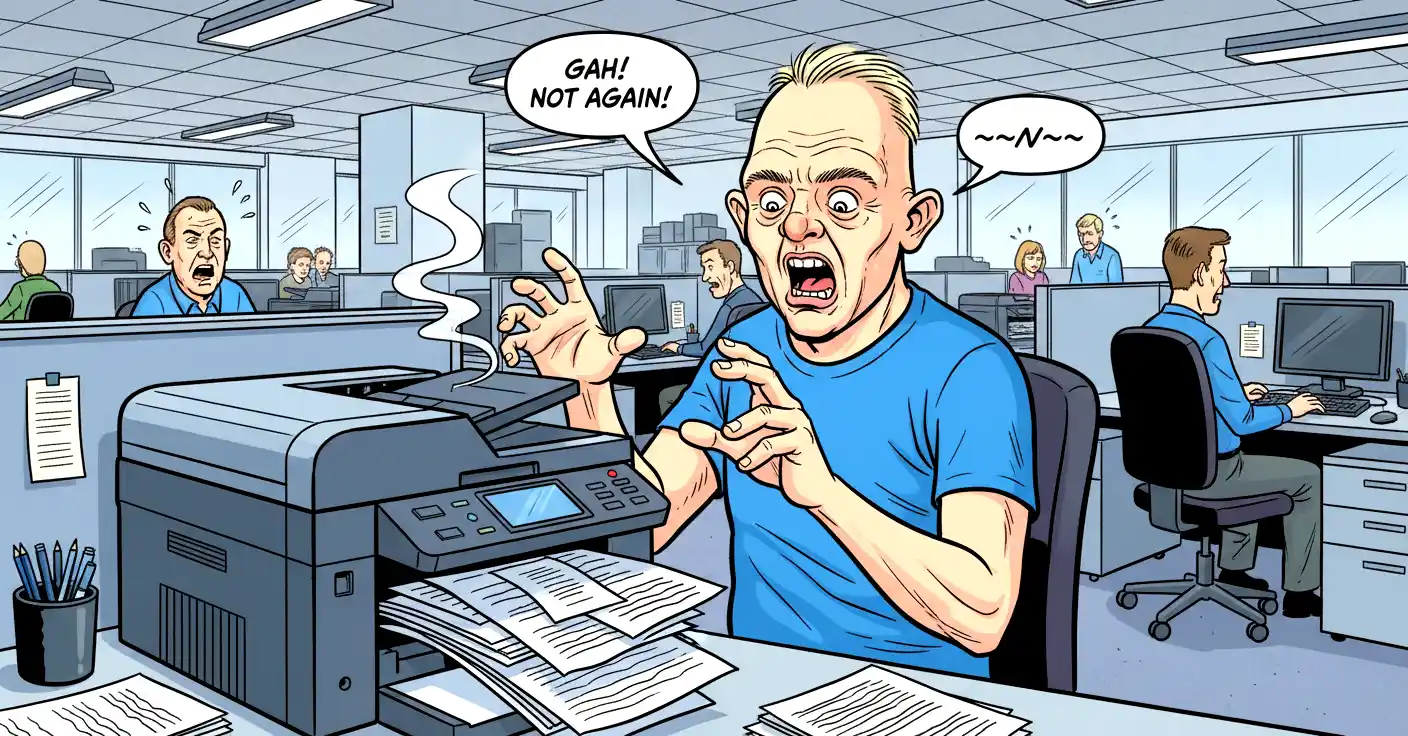
The cost of ink or toner is one of the most important factors when choosing a printer. Manufacturers often sell printers at low prices because they make their profit on consumables. This is why a cheap printer can sometimes become expensive to run.
Original vs Compatible Cartridges
Original cartridges are made by the same company that made the printer. They are usually reliable and high‑quality, but they can be very expensive.
Compatible cartridges are made by third‑party manufacturers. They are cheaper, but their quality can vary. Some work perfectly, while others may produce lower‑quality prints or run out more quickly.
Manufacturer Restrictions
Many printer manufacturers use microchips in their cartridges to prevent the use of third‑party alternatives. Some printers will refuse to print if they detect a non‑original cartridge. This can be frustrating for users who want to save money.
Before buying a printer, it is worth researching whether it accepts third‑party cartridges. Some brands are more restrictive than others.
Ink Drying and Low‑Use Problems
If you print only a few times a year, inkjet cartridges can dry out. This means you may need to replace them even if they were full the last time you used the printer. For occasional users, this can make inkjet printers more expensive in the long run.
Laser printers do not have this problem because toner is a dry powder. This makes them ideal for users who print infrequently.
Refillable Ink Systems
Some modern inkjet printers use refillable ink tanks instead of cartridges. These systems are far more economical and reduce waste. They are ideal for users who print frequently, especially in colour.
Choosing a Printer That Is Cheap to Run
If low running costs are important to you, the best approach is to research ink or toner prices before buying the printer. Look at the cost per page, the availability of compatible cartridges and whether the printer supports high‑capacity XL cartridges.
It is also worth considering how often you print. If you print rarely, a laser printer may be more economical because the toner will not dry out. If you print frequently, a refillable ink tank printer may offer the lowest long‑term cost.
Conclusion
Choosing the right printer is ultimately about matching the machine to your needs. Laser printers are excellent for fast, reliable document printing and low running costs. Inkjet printers offer superior photo quality and versatility. Single‑function printers are simple and efficient, while multifunction printers provide scanning, copying and more.
By understanding the features that matter—such as wireless connectivity, duplex printing, scanner quality and ink costs—you can avoid common pitfalls and choose a printer that will serve you well for years.
The most important advice is to think beyond the initial purchase price. A cheap printer can become expensive if the ink costs are high or if cartridges dry out quickly. A slightly more expensive model with affordable consumables may save you far more in the long run.