Choosing the Right Projector: A Complete Guide for First‑Time Buyers and Upgraders
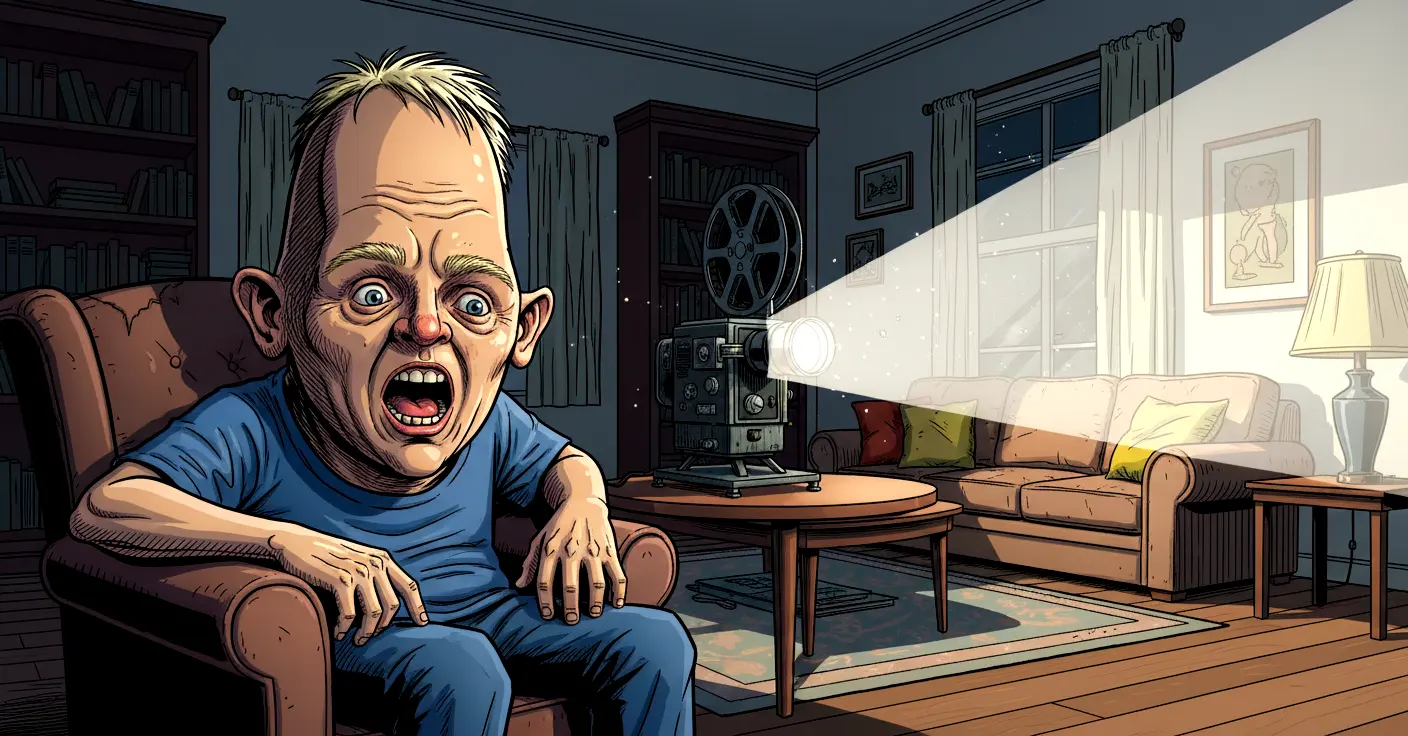
Buying a projector should be exciting. After all, you’re essentially choosing the device that will turn your living room into a cinema, your spare room into a gaming den, or your office into a place where presentations finally look less like punishment. But if you’re in the market for your first projector—or replacing one that has served you faithfully since the days when “streaming” meant waiting for a video to buffer—then you’re probably wondering which type is right for you.
The good news is that modern projectors are far more capable, far more affordable, and far easier to set up than they used to be. The slightly less good news is that the market is now packed with different technologies, features, and specifications that can make choosing one feel like revising for an exam you didn’t know you’d signed up for.
This guide walks you through everything you need to know in a simple, friendly way. We’ll look at the three main projector types, the features that actually matter, and the things you can safely ignore. By the end, you’ll know exactly what to look for—and what to avoid—without needing a degree in optical engineering.
Understanding the Three Main Types of Projectors
Although manufacturers love to invent new names for their products, there are really only three core projection technologies you need to know about: LCD, DLP and LCOS. Each has its strengths, weaknesses, and quirks. Think of them as three different personalities at a party: one is affordable and easy-going, one is compact and sharp, and one is premium and a bit posh.
LCD Projectors
LCD (Liquid Crystal Display) projectors are the most budget-friendly option, and they’ve come a long way in recent years. They’re popular with first-time buyers because they offer good brightness, decent colour reproduction, and a generally forgiving setup. If you’re planning to place your projector on a coffee table, a shelf, or anywhere that isn’t perfectly aligned with your screen, LCD models tend to be more flexible.
However, LCD projectors do have a couple of drawbacks. Their black levels are usually weaker than other technologies, meaning dark scenes in films may look more grey than black. Contrast ratios also tend to be lower, which can make the picture look slightly flatter compared to DLP or LCOS models. If you’re a casual viewer, you may not notice this much. If you’re a film enthusiast who insists on seeing every shadow in a moody thriller, you might.
Still, for the price, LCD projectors offer excellent value and are ideal for general home entertainment.
DLP Projectors
DLP (Digital Light Processing) projectors are known for producing sharp, detailed images with excellent motion handling. They’re also compact, which makes them popular for portable setups or smaller rooms. Many modern DLP projectors are surprisingly affordable, and they avoid the “screen door effect” (visible gridlines) that older LCD models sometimes suffered from.
The main downside is something called the “rainbow effect”. This is a brief flash of red, green and blue that some people notice when moving their eyes across the screen. Not everyone sees it, and many who do stop noticing after a while, but if you’re sensitive to it, it can be distracting. It’s caused by the colour wheel inside single‑chip DLP projectors, and while manufacturers have reduced it significantly, it hasn’t disappeared entirely.
If you want a crisp, punchy image and don’t mind the possibility of the occasional rainbow, DLP is a strong contender.
LCOS Projectors
LCOS (Liquid Crystal on Silicon) is the premium option. These projectors combine the strengths of LCD and DLP while avoiding many of their weaknesses. They offer superb resolution, excellent contrast, smooth images without visible pixels, and no rainbow effect whatsoever. If you want the closest thing to a cinema experience at home, LCOS is the technology that gets you there.
The catch? Price. LCOS projectors are usually the most expensive, often costing twice as much as equivalent LCD or DLP models. They’re also larger and heavier, so they’re not ideal if you want something portable or discreet.
But if you’re serious about picture quality and willing to invest, LCOS delivers stunning results.
Key Features You Should Look For
Once you’ve chosen the type of projector that suits your needs, the next step is understanding the features that actually matter. Manufacturers love to throw around technical terms, but only a handful of them make a real difference to your viewing experience.
Location Friendliness and Placement Flexibility
Before you fall in love with a projector’s specifications, make sure it will actually work in your room. Some projectors need to be placed at a very specific distance and height to produce a properly aligned image. Others offer lens shift, keystone correction, and zoom features that make placement far easier.
Lens shift is particularly useful because it allows you to move the image up, down, left or right without distorting it. Keystone correction can help too, but it’s digital, which means it can slightly reduce image quality. If you can, prioritise lens shift over keystone correction.
Short‑throw and ultra‑short‑throw projectors are also worth considering if you have limited space. These can produce large images from very short distances, making them ideal for small rooms or setups where you don’t want a projector hanging from the ceiling like a confused bat.
Connectivity Options
At the very least, your projector should have an HDMI input. Realistically, it should have more than one, especially if you plan to connect multiple devices such as a Blu‑ray player, games console, streaming stick, or laptop.
Modern projectors often include additional features such as:
- USB ports for media playback or powering streaming devices
- Wi‑Fi for wireless casting
- Bluetooth for connecting speakers
- Audio output for external sound systems
If you’re planning to use a soundbar or external speakers—and you probably should, because projector speakers are usually about as powerful as a polite whisper—make sure the projector has the right audio connections.
Resolution: HD, Full HD, 4K and Beyond
The days when 720p was considered “high definition” are long gone. Full HD (1080p) is now the minimum you should consider for a home cinema setup. Fortunately, the price difference between 720p and 1080p projectors is now small enough that choosing Full HD is almost always the better option.
4K projectors have also become far more affordable, and many models use pixel‑shifting technology to deliver near‑4K quality at a lower cost. True native 4K projectors still command a premium, but the difference in clarity is noticeable, especially on larger screens.
If you’re planning to watch films, play games, or stream high‑quality content, 4K is worth considering. If your budget is tighter, Full HD still delivers an excellent experience.
Brightness and Contrast
Brightness is measured in lumens, and it determines how well the projector performs in different lighting conditions. If you have a dedicated dark room, you don’t need extremely high brightness. If you’re projecting in a living room with ambient light, you’ll want something brighter.
Contrast ratio is equally important because it affects how deep the blacks look and how much detail you can see in darker scenes. A projector with high brightness but poor contrast will look washed out. A projector with excellent contrast but low brightness will struggle in anything other than a dark room.
Manufacturers often exaggerate contrast ratios, so take the numbers with a pinch of salt. Reviews and real‑world tests are far more reliable.
Lamp Life and Maintenance
Projector lamps used to be notoriously expensive to replace, and while prices have improved, they’re still not cheap. Manufacturers often claim very long lamp lifespans, but real‑world usage doesn’t always match the marketing. Running the projector in eco mode can extend lamp life significantly, and many modern projectors now use LED or laser light sources that last far longer than traditional lamps.
Laser projectors, in particular, offer excellent longevity, consistent brightness, and minimal maintenance. They cost more upfront but save money in the long run.
If you’re buying a lamp‑based projector, check the replacement cost before committing. You don’t want to discover that a new lamp costs almost as much as the projector itself.
Additional Considerations That Make a Big Difference
Fan Noise
Projectors generate heat, and heat requires cooling. Some models are whisper‑quiet, while others sound like they’re preparing for take‑off. If you’re planning to watch films in a quiet room, fan noise matters more than you might think.
Colour Accuracy
Some projectors prioritise brightness over colour accuracy, resulting in overly saturated or unnatural tones. If you care about accurate colours—especially for films or photography—look for models with good colour calibration or support for wide colour gamuts.
Input Lag for Gaming
If you’re a gamer, input lag is crucial. Many projectors now include gaming modes that reduce lag significantly, making them suitable for fast‑paced games.
Screen Choice
A projector is only as good as the surface it’s projecting onto. A proper projector screen can dramatically improve image quality, contrast, and brightness. Even a budget screen is better than a bare wall, unless your wall happens to be perfectly smooth and painted in a neutral matte colour (which, let’s be honest, most aren’t).
Conclusion
Choosing the right projector doesn’t have to be complicated. Once you understand the differences between LCD, DLP and LCOS, and once you know which features genuinely matter, the decision becomes much clearer. Think about your room, your budget, your viewing habits, and how much flexibility you need. Whether you’re building a home cinema, upgrading your gaming setup, or simply looking for a big‑screen experience without the big‑screen price, there’s a projector out there that fits your needs perfectly.
And remember: no matter how advanced your projector is, it still won’t stop your friends from talking during the film. Sadly, there’s no technology for that yet.