Understanding Modern Computer Processors: Intel, AMD and Snapdragon Explained
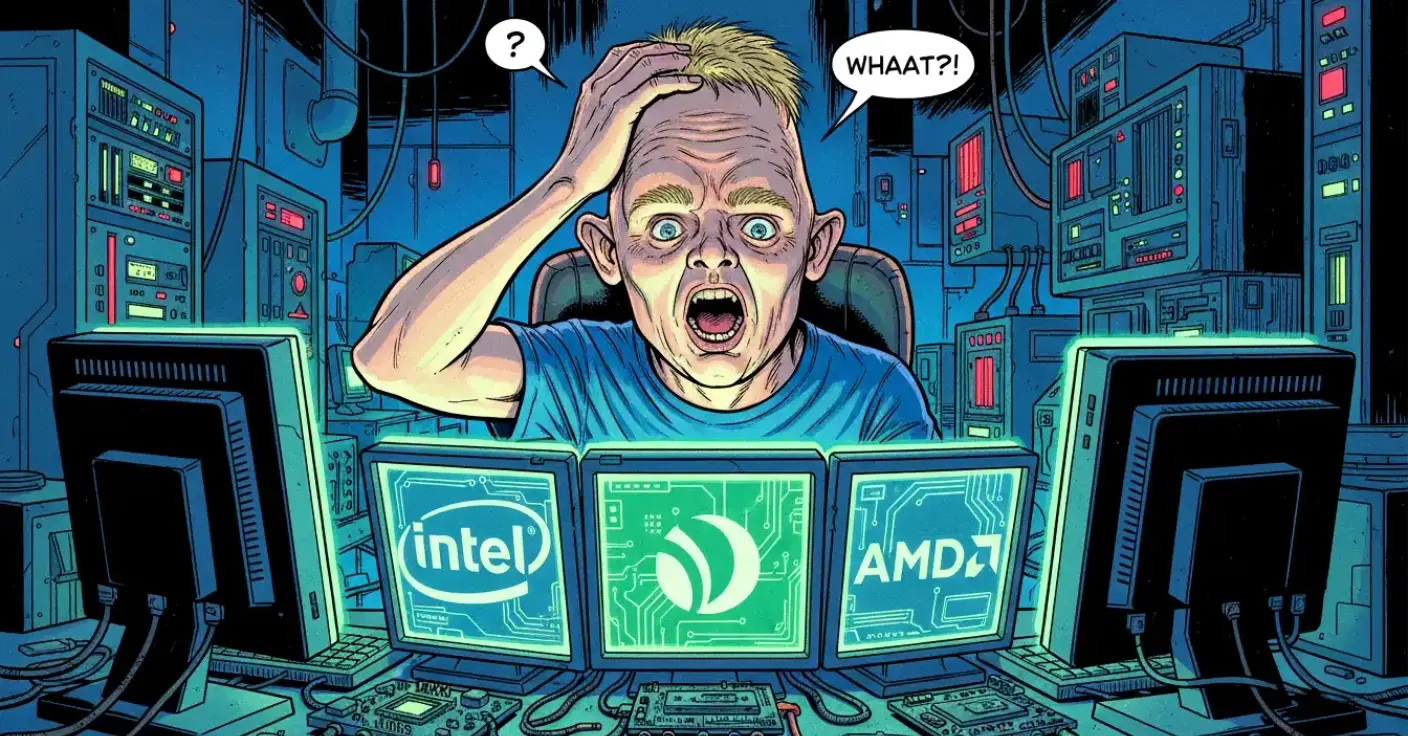
Choosing a computer processor used to feel like choosing between “slow”, “fast”, and “fast but expensive”. Today it’s more like walking into a coffee shop where every drink has twelve adjectives and a seasonal twist. You want something simple, but suddenly you’re comparing clock speeds, core counts, integrated graphics, efficiency modes and chip architectures you didn’t even know existed.
This guide cuts through the noise. It explains—in plain, friendly UK English—what processors actually do, how Intel, AMD and Snapdragon chips differ, and which type is right for your needs. Everything is updated for the current generation of technology, with outdated models and irrelevant details removed. And yes, there’s a little humour sprinkled in to keep things human.
The Processor in Plain English
A processor (or CPU) is the brain of your computer. It handles instructions, calculations and the general “thinking” behind everything your device does. If you ask your computer to open a browser, load a game, or calculate a spreadsheet, the processor is the one doing the heavy lifting.
A faster processor means:
- Programs open more quickly
- Multitasking feels smoother
- Demanding tasks like video editing or gaming run better
Modern processors also include integrated graphics, power‑saving features, AI acceleration and advanced security functions. They’re no longer just calculators—they’re tiny, highly intelligent command centres.
Why Processors Matter
Think of a processor like a car engine. A small engine gets you from A to B, but you wouldn’t tow a caravan with it. A high‑performance engine, on the other hand, can handle heavy loads, steep hills and the occasional burst of speed when you’re late for work.
Your processor choice affects:
- How long your computer stays fast over time
- Whether you can run demanding software
- Battery life on laptops
- Heat and noise levels
- How well your device handles AI‑powered features
Choosing the right one saves money, frustration and the temptation to throw your laptop out of the window when it freezes during a video call.
Intel Processors
Intel remains one of the biggest names in computing. Their processors are found in desktops, laptops and mini PCs across every price range.
Intel’s Current Line-up
Intel’s consumer processors follow a familiar structure:
- Intel Core i3 – Entry-level, suitable for everyday tasks
- Intel Core i5 – Mid-range, ideal for most users
- Intel Core i7 – High performance for demanding workloads
- Intel Core i9 – Enthusiast-level power for creators and gamers
Intel has also moved to hybrid architectures, combining “performance cores” (P-cores) with “efficiency cores” (E-cores). This allows the processor to switch between high power and low power depending on what you’re doing. It’s a bit like having a sprinter and a marathon runner in the same body.
Strengths of Intel
Intel chips excel in:
- High single‑core performance
- Strong performance in creative software
- Excellent compatibility with older programs
- Good power management in modern laptops
- Mature driver support
Intel’s integrated graphics have also improved significantly. While they won’t replace a dedicated graphics card for serious gaming, they’re more than capable for streaming, casual games and everyday visuals.
AMD Processors
AMD has transformed from the underdog to a genuine powerhouse. Their Ryzen processors shook up the industry by offering more cores, better efficiency and competitive pricing.
AMD’s Current Line-up
AMD’s Ryzen family includes:
- Ryzen 3 – Everyday computing
- Ryzen 5 – Mid-range performance
- Ryzen 7 – High performance for multitasking and creative work
- Ryzen 9 – Top-tier power for professionals and gamers
AMD also offers Ryzen AI processors, which include dedicated neural processing units (NPUs) designed for on‑device AI tasks. This is increasingly important as more software uses AI for editing, productivity and automation.
Strengths of AMD
AMD processors are known for:
- Excellent multi‑core performance
- Strong integrated graphics (especially in Ryzen models with Radeon graphics)
- Great value for money
- Cool and efficient operation
- Future‑friendly AI acceleration
AMD’s integrated graphics often outperform Intel’s at similar price points, making them ideal for users who want decent graphics without a dedicated GPU.
Snapdragon Processors
Snapdragon processors, made by Qualcomm, were once associated mainly with smartphones and tablets. That’s changed dramatically. Modern Snapdragon chips now power a growing number of laptops, especially ultra‑portable models.
These processors use ARM architecture, which is different from the traditional x86 architecture used by Intel and AMD. ARM chips are designed for efficiency, long battery life and instant-on responsiveness.
Why Snapdragon Matters
Snapdragon laptop processors offer:
- Extremely long battery life
- Silent, fanless designs
- Excellent thermal efficiency
- Built‑in 5G and Wi‑Fi optimisation
- Dedicated AI acceleration
- Instant wake-up (like a smartphone)
They’re ideal for students, travellers, office workers and anyone who values portability over raw power.
The Catch
ARM processors require software to be compatible or translated. Most mainstream apps now run smoothly, but extremely specialised or older software may not. For everyday users, this is rarely an issue—but professionals using niche tools should double‑check compatibility.
Cores, Threads and Clock Speeds Explained
Processor terminology can feel like a foreign language, so here’s a quick translation.
Cores
A core is like a worker. More cores = more workers. Great for multitasking and creative workloads.
Threads
Threads are like virtual workers. They help each core handle multiple tasks more efficiently.
Clock Speed
Measured in GHz, this is how fast each core works. Higher isn’t always better—architecture matters too.
Cache
A small, ultra-fast memory inside the processor. More cache = faster access to important data.
Integrated Graphics
Graphics built into the processor. Good for everyday use, not a replacement for a dedicated GPU.
AI Acceleration
Modern processors include NPUs or AI engines. These speed up tasks like photo enhancement, speech recognition and real‑time translation.
Integrated vs Dedicated Graphics
Most processors now include integrated graphics. These are fine for:
- Streaming video
- Office work
- Web browsing
- Light gaming
If you want to play modern games, run 3D modelling software or edit high‑resolution video, you’ll still want a dedicated graphics card.
Integrated graphics have improved massively, but they’re not miracle workers. They’re more like a reliable hatchback than a sports car.
Intel vs AMD vs Snapdragon: The Real Differences
Intel
Best for users who want strong single‑core performance, excellent compatibility and great all‑round speed.
AMD
Best for multitaskers, creators and users who want strong integrated graphics and great value.
Snapdragon
Best for ultra‑portable laptops, long battery life and AI‑enhanced everyday computing.
There’s no universal “best” processor—only the best for your needs.
Which Processor Should You Choose?
Here’s the simple version:
For everyday use
Web browsing, email, streaming, office work: Intel i3 / AMD Ryzen 3 / Snapdragon laptops.
For most people
Multitasking, light creative work, casual gaming: Intel i5 / AMD Ryzen 5.
For power users
Video editing, heavy multitasking, demanding software: Intel i7 / AMD Ryzen 7.
For professionals and enthusiasts
3D rendering, high-end gaming, large projects: Intel i9 / AMD Ryzen 9
For travellers and students
Battery life, portability, quiet operation: Snapdragon laptops.
A Note on Future-Proofing
If you want your computer to stay fast for several years, aim slightly above your current needs. Software gets heavier, not lighter. A processor that feels “more than enough” today will feel “just right” later.
Think of it like buying clothes for a growing teenager—you don’t buy the exact size unless you enjoy shopping every three months.
Conclusion
Processors have come a long way. They’re smarter, more efficient and more varied than ever. Intel offers strong all‑round performance, AMD delivers excellent multitasking and graphics, and Snapdragon brings smartphone‑like efficiency to laptops.
The key is understanding what you actually need. Once you know your usage, choosing a processor becomes far less intimidating—and far more satisfying.
With the right processor, your computer won’t just run well. It’ll feel like it’s working with you, not against you.